

Most local business website mistakes are small, fixable, and invisible to the owner. You know your business so well that you do not notice when a visitor cannot find your phone number, or when the page crawls on a phone in a parking lot. This guide covers nine common local business website mistakes, why each one costs you customers, and a plain fix you can act on this week. It is written for busy owners in Burlington, Halton, Hamilton and Mississauga.
You do not need to fix everything at once. Start with the first three, because they decide whether a visitor stays long enough to read anything else.
Why local business website mistakes are so expensive
A local customer is usually in a hurry. They search on their phone, open two or three sites, and call or message whichever business looks easiest to deal with. If your site makes them work, they leave and never tell you why. You will not see a complaint, only a quiet phone.
That is why a few small problems add up. A site does not need to be flashy to win that moment. It needs to answer three questions fast: what do you do, where do you do it, and how do I reach you?
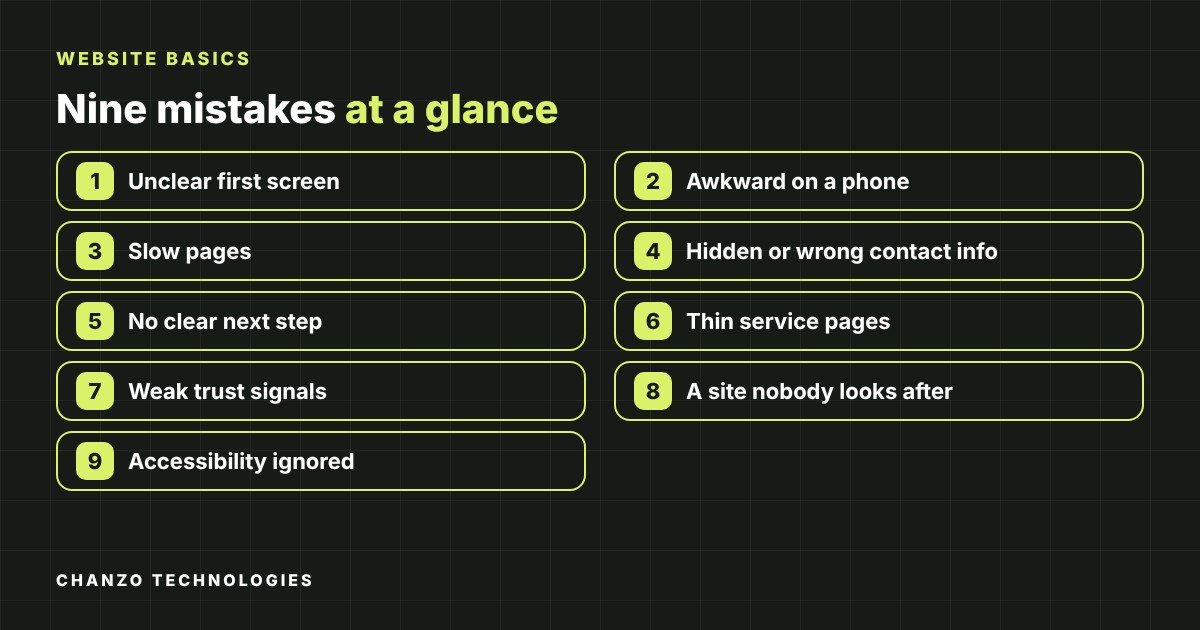
1. A first screen that does not say what you do or where
Open your home page on your phone and look only at what appears before scrolling. Can a stranger tell your trade, your town, and what to do next? Vague headlines like “Quality you can trust” or “Welcome to our website” waste the best real estate on the page.
The fix: lead with a plain headline such as “Licensed electricians serving Burlington and Oakville” (use your own trade and areas), add one supporting sentence, and show a clear button or phone number beside it.
2. A site that is awkward on a phone
Many people searching for a local service are on a phone. Tiny text, buttons packed together, menus that do not open, and pages that scroll sideways all push people away.
The fix: test your own site on a real phone, not only a shrunken desktop window. Tap every button, open the menu, fill in your own contact form, and tap your phone number to confirm it starts a call.
3. Slow pages, usually caused by heavy images
The most common cause of a slow small business site is photos uploaded at full camera size. Slow loading frustrates visitors, and Google publishes guidance on page experience through its Web Vitals overview, which describes measuring loading speed, responsiveness and visual stability.
The fix: resize photos to the size they are actually displayed, compress them, and remove plug-ins or widgets you no longer use.
4. Contact details that are hidden, wrong or inconsistent
This is the most painful of the local business website mistakes because the customer already wants to hire you. If your phone number lives only on a Contact page, or your hours differ between your website, your social pages and Google, people lose confidence or call a competitor.
Google’s Help pages explain that accurate, complete business information on your Business Profile helps your listing appear for local searches. Your website should say exactly the same thing.
The fix: put your phone number and service area in the header or top of every page, repeat them in the footer, and keep your business name, address, phone and hours identical everywhere. Our website launch checklist includes this check.
5. No clear next step
A page that ends without telling the visitor what to do is a dead end. Owners often assume people will figure it out, but a visitor deciding between three businesses will take the easiest option.
The fix: give every page one main action: call, request a quote, or book. Use specific button text like “Request a quote” or “Call us today” rather than “Submit.” Keep forms short: name, phone or email, and a short message are usually enough.
6. Thin or vague service pages
If all your services are squeezed into one paragraph, neither visitors nor search engines can tell what you actually offer. A customer looking for “furnace repair” wants to see a page about furnace repair, not a general list.
The fix: give each main service its own page that explains what is included, who it is for, the areas you serve, how the process works, and how to get started. Our guide on how to write a service page walks through it step by step. Google’s advice is to create helpful, people-first content rather than pages written only for search engines, and a clear service page is exactly that.
7. Little to show you are a real, trustworthy business
Local buyers are letting a stranger into their home or trusting them with a budget. Stock photos, no names, and no sign of real work make a site feel anonymous. Google’s content guidance also encourages making it clear who is behind a site and who created the content.
The fix: use real photos of your team, vehicles and finished jobs. Add a short About page with names and your story, list licences or certifications you actually hold, and display genuine customer reviews with permission. Never invent or exaggerate testimonials.
8. A site nobody looks after
Websites age. A holiday-hours banner from last year, a broken contact form, an expired security certificate, or a “Copyright 2019” footer tells visitors that nobody is paying attention. A form that silently fails is worse: you lose leads and never know.
The fix: once a month, submit your own contact form, click through key pages, and check that hours, prices and offers are current. Make sure software updates and backups are handled by someone, whether that is you or your web partner.
9. Accessibility and readability ignored
Low-contrast text, tiny fonts, images without descriptions, and buttons that cannot be used with a keyboard make a site harder for everyone, and impossible for some.
The fix: use dark text on a light background (or the reverse) with strong contrast, keep body text comfortably large, and add short descriptions to meaningful images. Our five quick accessibility checks take only a few minutes.
Quick reference: mistake, fix, time needed
| Mistake | Simple fix | Rough effort |
|---|---|---|
| Unclear first screen | Plain headline with trade, town and one button | An hour |
| Awkward on phones | Test on a real phone and fix tap targets | An afternoon |
| Slow pages | Resize and compress images | An afternoon |
| Hidden or inconsistent contact info | Header and footer details matching your Google listing | An hour |
| No next step | One main action per page | A few hours |
| Thin service pages | One page per main service | A day per page |
| Weak trust signals | Real photos, About page, genuine reviews | A few hours |
| Neglected site | Monthly check of forms, content and updates | Thirty minutes a month |
| Poor readability | Contrast, text size, image descriptions | An afternoon |
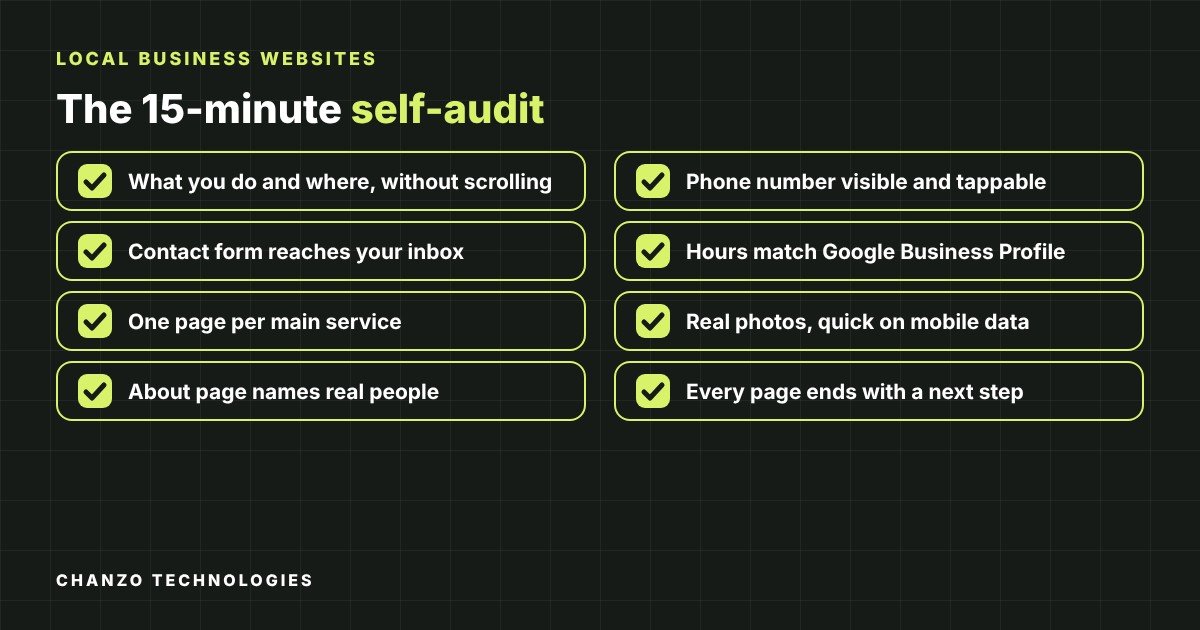
A 15-minute self-audit for your own site
Set a timer and work through this list on your phone. Every “no” is a local business website mistake worth fixing.
- Can you tell what the business does, and where, without scrolling?
- Is the phone number visible and tappable on every page?
- Does your contact form arrive in your inbox when you test it?
- Do your hours and address match your Google Business Profile?
- Does each main service have its own page?
- Are the photos real, and do pages load quickly on mobile data?
- Is there an About page that names real people?
- Does every page end with a clear next step?
What to do if the list is longer than your free time
Fixing these problems one at a time on a site that was built poorly can feel like patching a leaky roof. If most of the checklist is a “no,” a rebuild may cost less in time and frustration than endless repairs. We explain typical price ranges in our guide to how much a small business website costs in Ontario, and compare the two ways of working with us in $500 website vs monthly membership.
If you also want to be found more often, our SEO services help once the basics above are in place. No one can guarantee rankings, but a clear, fast site gives search work something solid to build on.
Frequently asked questions
What is the most common local business website mistake?
Making contact details hard to find. If someone cannot call, message or find your address within a few seconds, they are likely to try the next business in the search results.
How often should a small business update its website?
Review it at least monthly for accuracy, and update it whenever your hours, services, prices or contact details change.
Do I need a new website, or can I fix my current one?
If the problems are mostly content, such as unclear text, missing contact details or large images, you can usually fix them on the existing site. If the design is not mobile-friendly or the platform is outdated, rebuilding is often the better use of money.
Will fixing these mistakes improve my Google ranking?
Nobody can promise rankings. A faster, clearer, more helpful site is better for visitors and aligns with what Google says it wants to reward, but results depend on competition, your profile, your reviews and more.
Can I fix these myself without a web designer?
Many items, like updating text, compressing images and checking your forms, are doable for a patient owner. Structural issues such as mobile layout, speed and security usually call for a professional.
Want a site that avoids these mistakes from day one?
Chanzo Technologies builds websites for local businesses in Burlington and across Halton, Hamilton and Mississauga. There are two ways to start, and prices are in Canadian dollars plus tax:
- Fixed-price website, CAD $500 plus tax: a one-time price for a clear, mobile-friendly small business site.
- Free Build membership: a custom website with no build fee (CAD $0 to build, on a 12-month plan), then CAD 349 per month for Growth or CAD 500 per month for Partner for 12 months, plus tax, with hosting and domain included. Partner also adds ongoing SEO.
Learn more about our web design and development work, or get in touch and tell us what your site needs to do for your business. We will help you pick the option that fits.